
Important Notice
The provided flash drive contains your Wi-Fi configuration settings.
To set up your PlayerOne, follow these steps:

Plug in Your Player
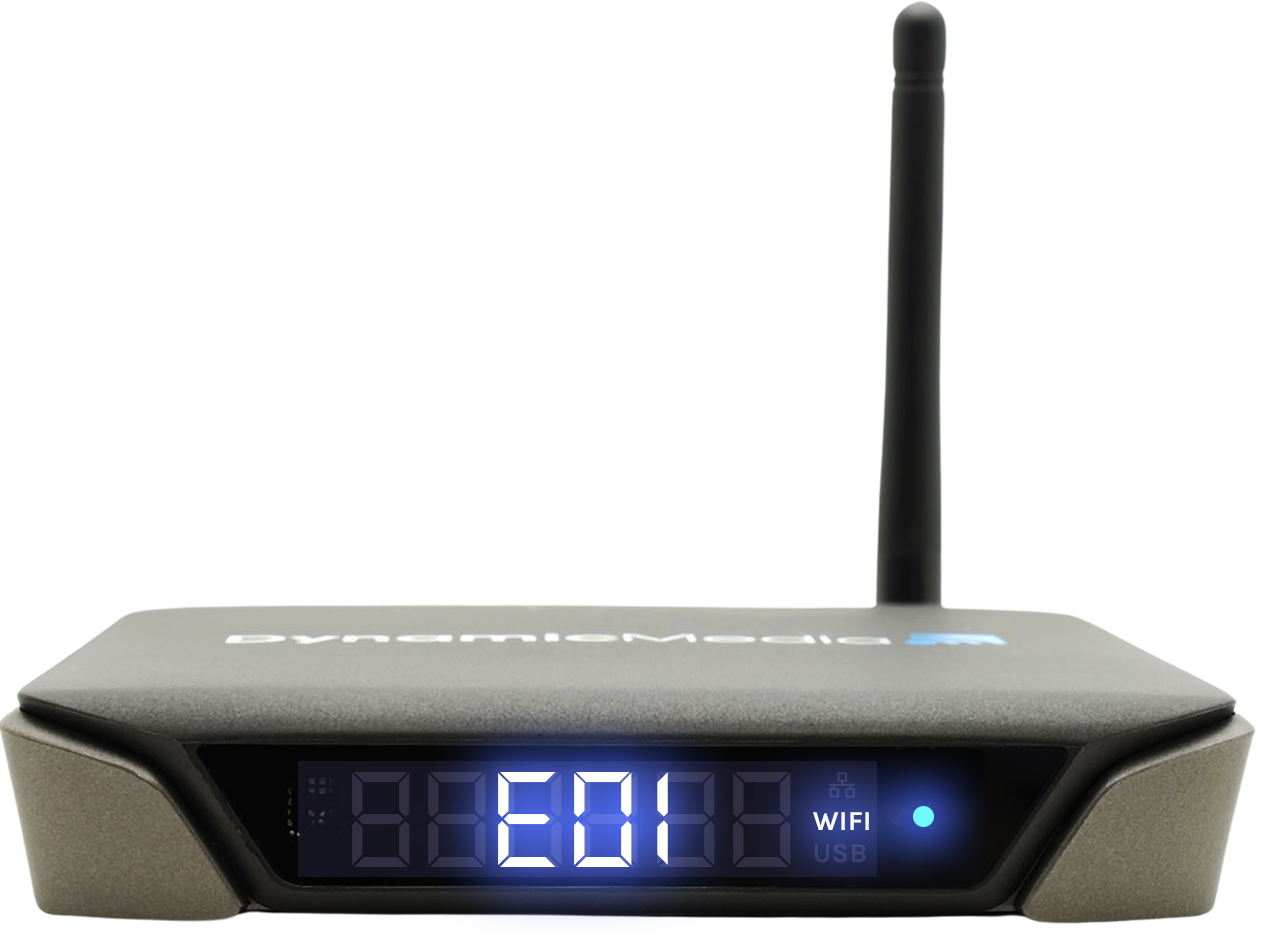
- Plug in your PlayerOne and allow it to boot up.
- Upon booting, it will display the code ‘E01’.

Connect the Flash Drive
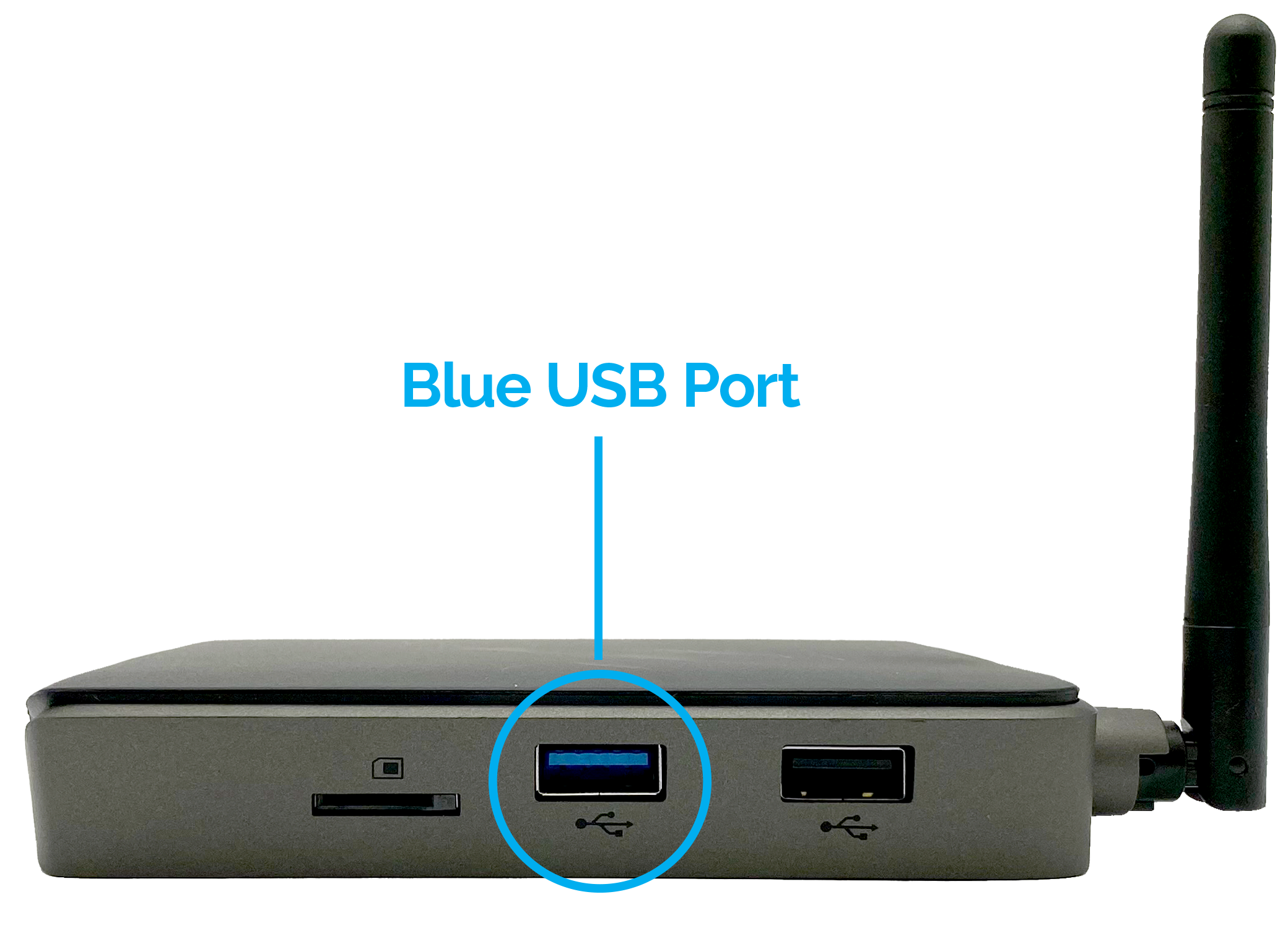
- Insert the flash drive into the Blue USB Port located on the side of the PlayerOne.

Watch the Display
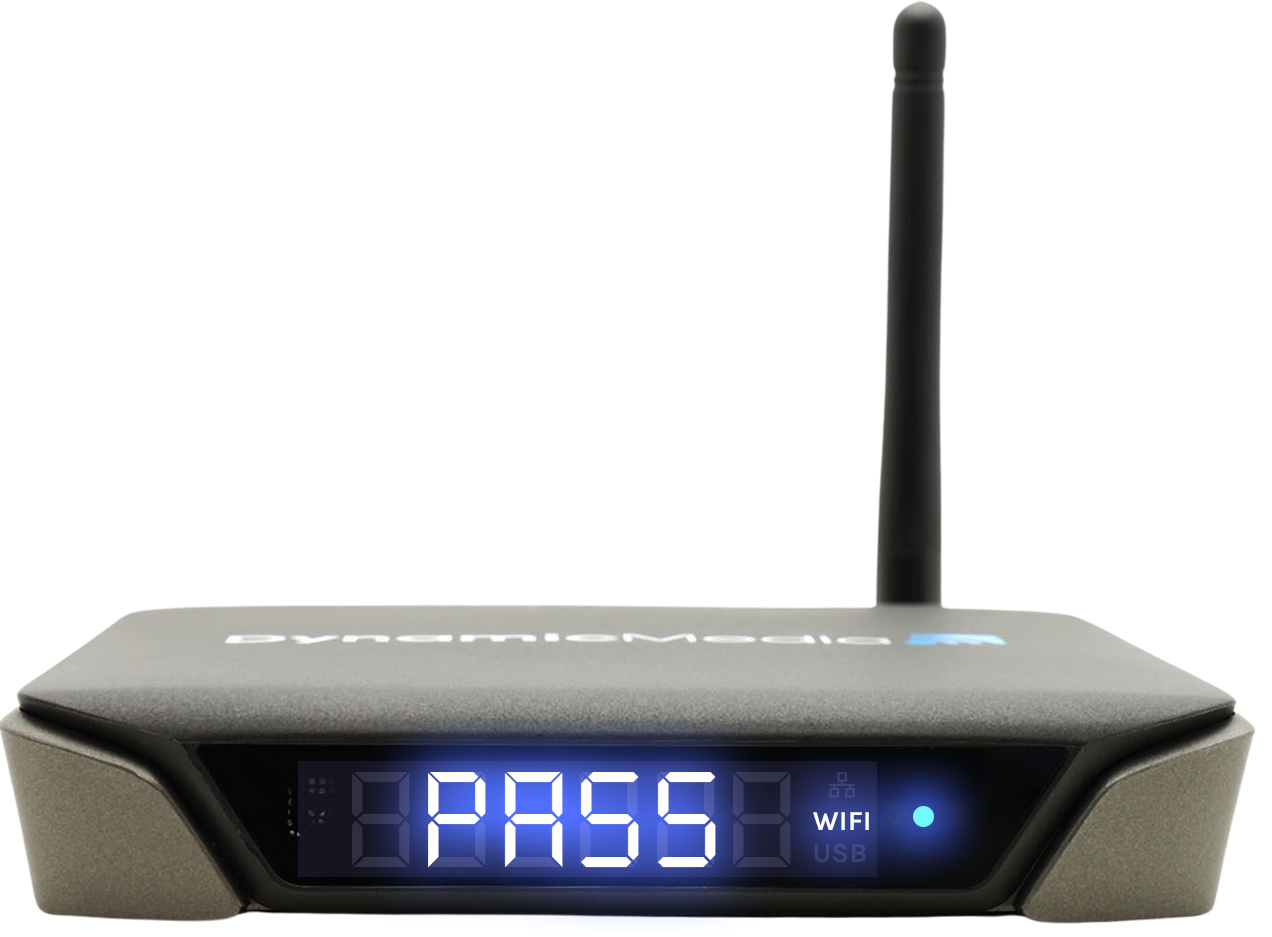
- After a few seconds, your PlayerOne will display ‘PASS’, indicating a successful Wi-Fi configuration.
- Disconnect the flash drive. Your player is now connected to your Wi-Fi network!
Pro Tip: Store the flash drive in a secure location for possible future use. Your PlayerOne will retain Wi-Fi settings through power cycles. However, in case of a factory reset, you will need this flash drive to reconfigure the Wi-Fi settings.